How to Implement Picture in Picture in Android

Starting from Android 8.0, it lets user to launch activities in picture-in-picture mode(PIP mode). Use case includes watching a video in a small pop-up window floating in the screen while allowing a user to perform navigation between apps or browsing content on the main screen. By default, the location of pip windows in on the corner of the main screen, also it's draggable so the user can move/drag it to another location on the main screen.
Following are the examples and usage of PIP in Mobile Technology PIP-enabled apps let users switch a video into PIP mode and allow it to watch till the end.
How to put everything together?
For adding PIP mode in the apps, we need to make some changes in Android Manifest.
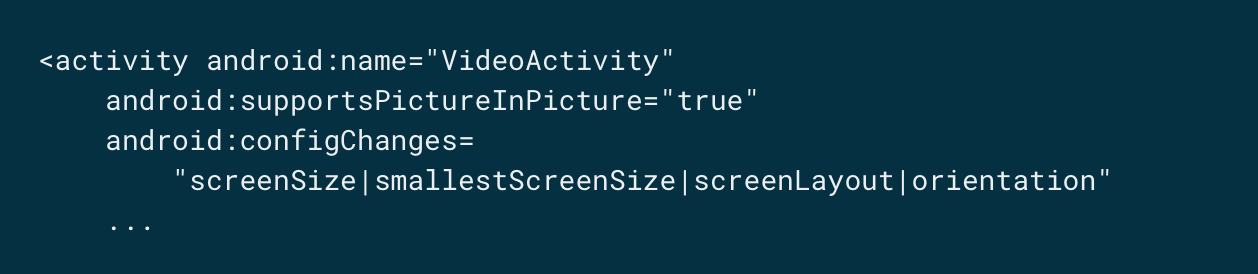
The following set of attributes are required:
supportsPictureInPicture
configChanges
Switching your activity to picture-in-picture
Continue Reading: picture-in-picture mode


Comments
Post a Comment